Barcode scanning

Build a food inventory by scanning barcodes instead of typing

Nobody abandons a pantry inventory because they stopped caring. They abandon it because typing "chopped tomatoes, 400g" forty times is a chore. Scanning removes the chore, and the list is still accurate in March because of it.

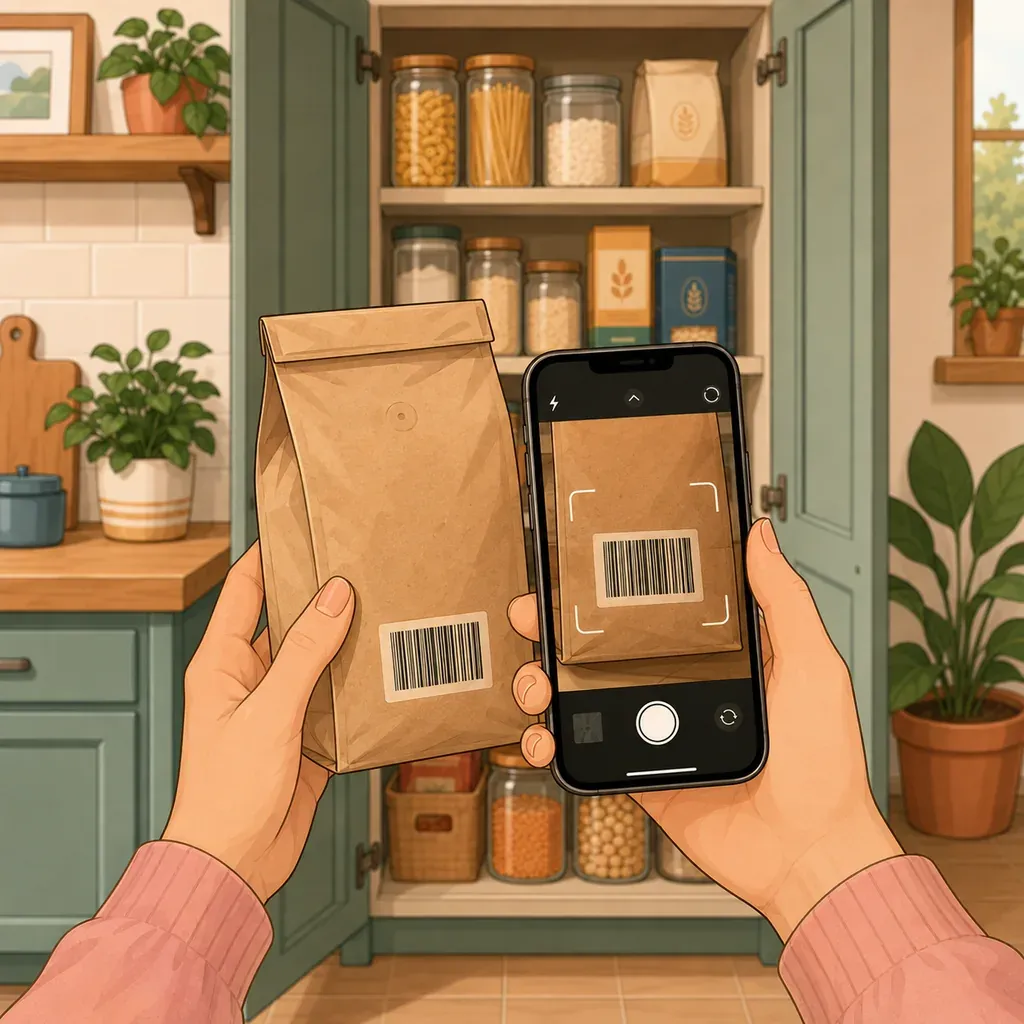
Hands holding a paper bag and a phone, scanning the barcode on the label

Friction is the only thing that kills an inventory

Pantry systems rarely fail from lack of motivation. Everyone who sets one up wants it to work.

They fail from arithmetic. If adding a product takes a minute, and a normal shopping trip is thirty products, keeping the inventory current costs half an hour a week, on top of the shopping and the unpacking. Nobody sustains that, and nobody should.

At ten seconds a product the same trip costs five minutes, and five minutes happens naturally while you are already putting things away. That is the entire difference between a system that survives and one that gets quietly abandoned in week two.

What scanning actually does

Point the camera at the barcode. The product name and its category fill in automatically. You add a quantity if you want one, a date if a date matters, and move on to the next thing.

The second benefit is one people notice later: consistent naming. Typed by hand over six months, the same product becomes “canned tomatoes”, “tomatoes, chopped” and “toms”. Those are three different products as far as any list is concerned, so counting stops working and searching stops finding. Scanned entries carry the same name every time.

Where the data comes from, and what that means

Barcodes are looked up in Open Food Facts, a free, community-run food database. It is worth knowing this rather than assuming there is a private catalog behind the app:

  • coverage is genuinely good for supermarket products in most European and North American markets;
  • it is patchier for store brands and regional items;
  • when a product is incomplete, anyone can complete it, and that fix helps everyone who scans it afterwards, not just you.

That last point is why the app tells you when a product is incomplete instead of quietly filling in a guess.

Scanning is a way in, not a rule

Plenty of a kitchen has no barcode. Fresh produce, bakery goods, market vegetables, anything from a bulk bin, anything you decanted into a jar. Those get typed, and it takes seconds.

The useful way to think about it: scan the boring shelf-stable things you buy repeatedly, because those are the ones you forget you own and buy twice. Type the fresh things, because there are fewer of them and they do not last long enough to be forgotten.
How Your Food does it

Barcode scanner

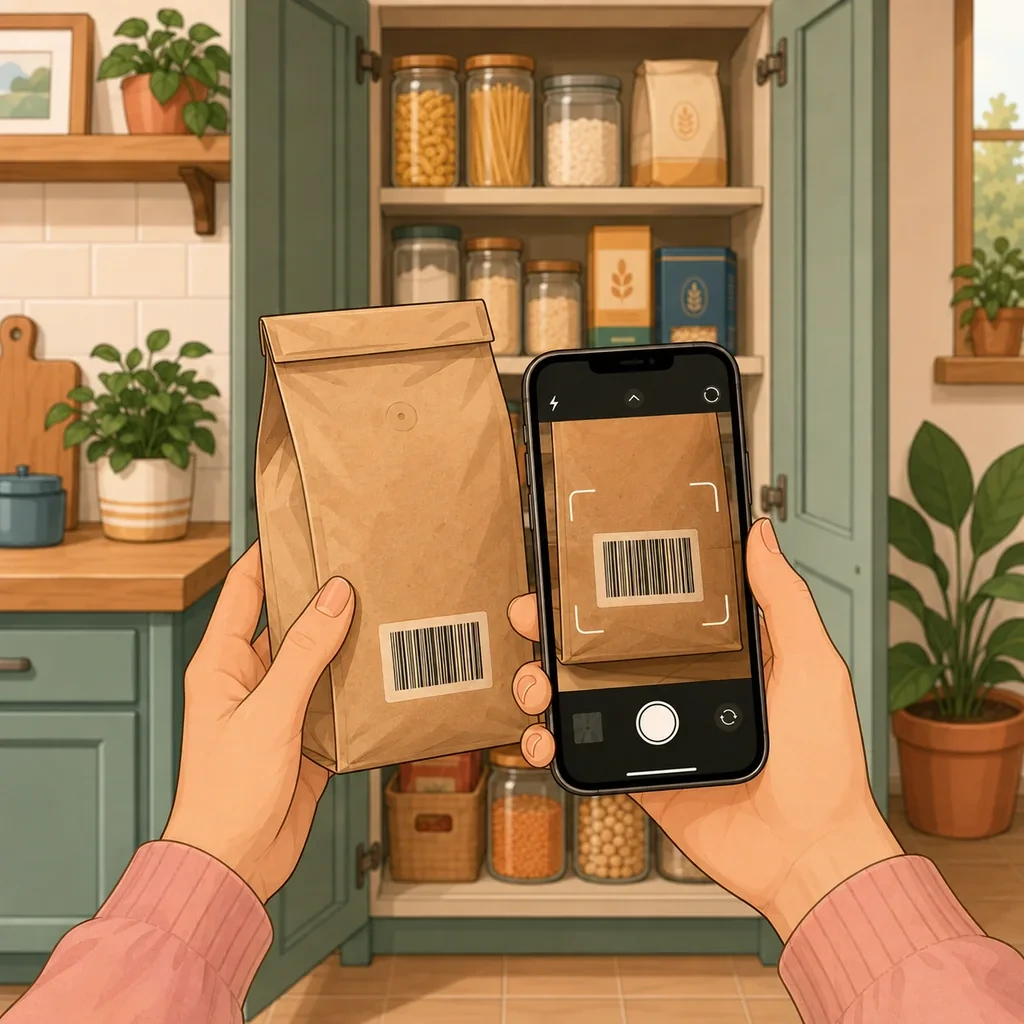
Point the camera at a barcode and the product name and category are filled in for you. The bar for logging a can of beans drops far enough that the inventory actually stays up to date.

  • Product details filled in automatically
  • Consistent naming, so counting and searching work
  • Manual entry for loose goods, refills and market produce

Home and pantry inventory

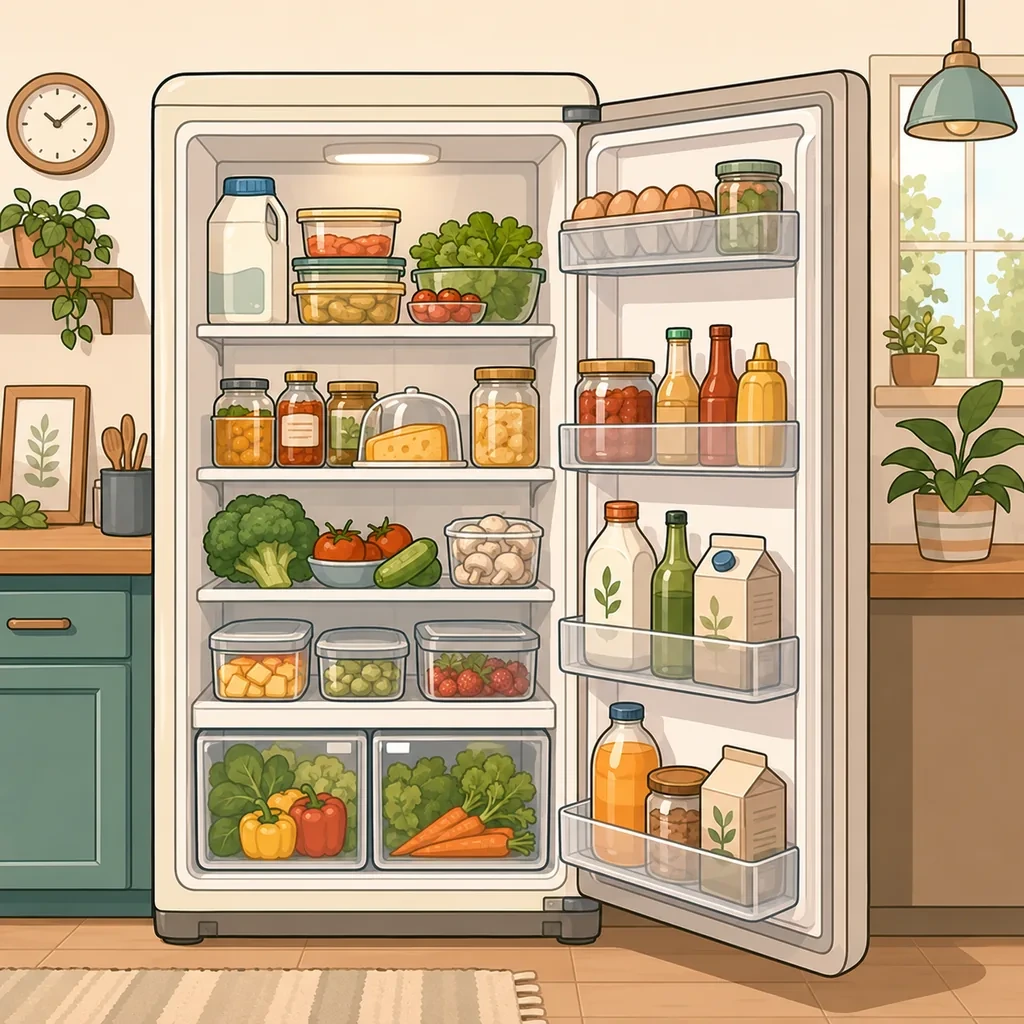
Add what is in the fridge, the freezer, the cupboards and anywhere else you store things. Alongside food you can track medicine, toiletries, cleaning supplies and pet food, all in exactly the same way. Every field is optional, so the inventory stays as light or as detailed as you want it.

  • Name, quantity, unit, date, price, note and icon, all optional
  • Search and filter across everything you own
  • Works with or without expiration dates

More than 1,000 illustrated icons

Every product can carry an icon, which turns a long list into something you can scan with your eyes. Even an inventory with hundreds of products stays readable and pleasant to go through.

  • A large library covering food and household products
  • Icons follow a product when it moves to a shopping list
  • A visual list is faster to read than a spreadsheet

Questions people ask about this

Where do the product details come from?

Open Food Facts, a free community-run food database. It is not my database and not my website: when a product is missing details, anyone can add them, for everyone. Completing an entry is optional and free, and you can always fill a product in by hand instead.

What if a product is not in the database?

You type the name and it is added like any other product. It happens most with store brands and regional items. If you want to, you can also add the missing details to Open Food Facts so the next person scanning it gets them.

What about food with no barcode at all?

Loose produce, bakery goods, market vegetables, bulk bins and anything decanted into a jar have no barcode and never will. Those are typed in, which is fine. They also tend to be the things you use fastest, so they spend the least time in the inventory.

Does scanning work offline?

Looking a barcode up needs a connection, since the database is online. Adding a product by hand works offline, and changes made offline sync as soon as the connection is back.

Can I scan things that are not food?

Yes, and coverage varies. Food is what Open Food Facts is built around, so cleaning supplies and toiletries are hit and miss. Typing those in takes a few seconds and they usually need adding only once.

Same app, a different problem to solve with it.

Ready to make better use of what you already have?

Download Your Food, create your first inventory and add only the details that matter to you.

Download Your Food

Join the community

Talk to the person who builds the app.

Your Food is made by one person at Harderue Studio. Most of what it does today came from someone writing in with an idea or a problem, so a message here reaches the developer directly, not a support queue.

  • No ads. Not in the free version, not in Premium, not on this site.
  • Your inventory is yours. Nothing about you is sold or shared.
  • Measurement on this site is off until you allow it, and reversible.
  • Ask for your data to be deleted at any time, without giving a reason.

Harderue Studio, one person · See my other projects(opens in a new tab)