Pantry inventory

A pantry inventory app for iPhone and Android

Your Food keeps a running inventory of what is actually in your cupboards. Scan a barcode to add something, put a date on it if a date matters, and the app tells you what should be used first. Free to start, no ads, on iPhone and Android.

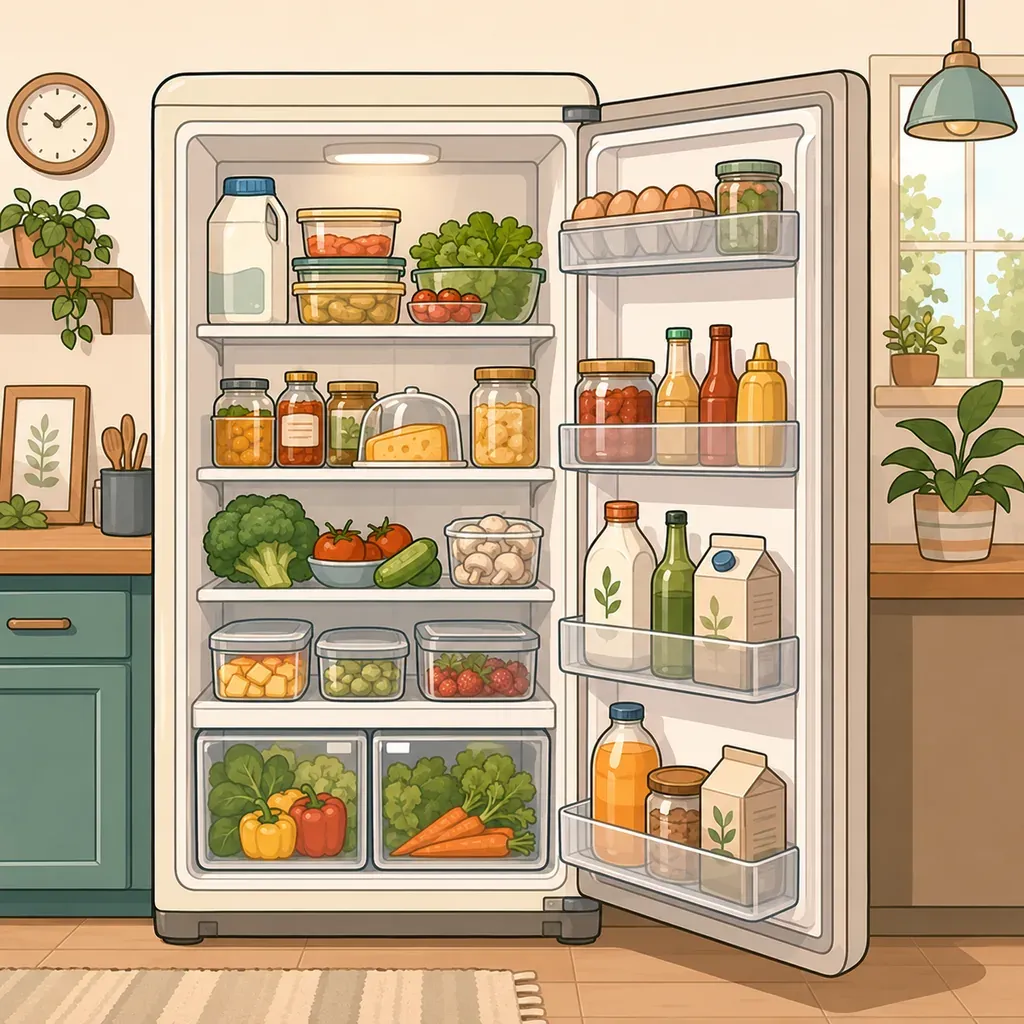
An open fridge, fully stocked, in a bright kitchen

The problem with a pantry is that you cannot see it

A fridge is at eye level and gets opened ten times a day. A pantry is a wall of opaque doors, and the back of a deep shelf is functionally another building. This is why the same three failures happen in every kitchen:

  • you buy a third jar of the same spice, because you could not remember;
  • something is discovered a month after it turned, at the back;
  • you stand in the store trying to picture a shelf you looked at this morning.

None of those are carelessness. They are all the same missing thing: the information exists, but not at the moment you need it.

What a pantry inventory actually changes

You do not become a more organized person. The answer to “do we have any” simply moves from memory to a list, and the list is in your pocket in the store.

That has a second effect people do not expect. Once you can see the stock, you start cooking from it. Meal decisions stop starting from “what do I want” and start from “what is here that should go first”, which is both cheaper and the single biggest lever on food waste at home.

Setting one up, realistically

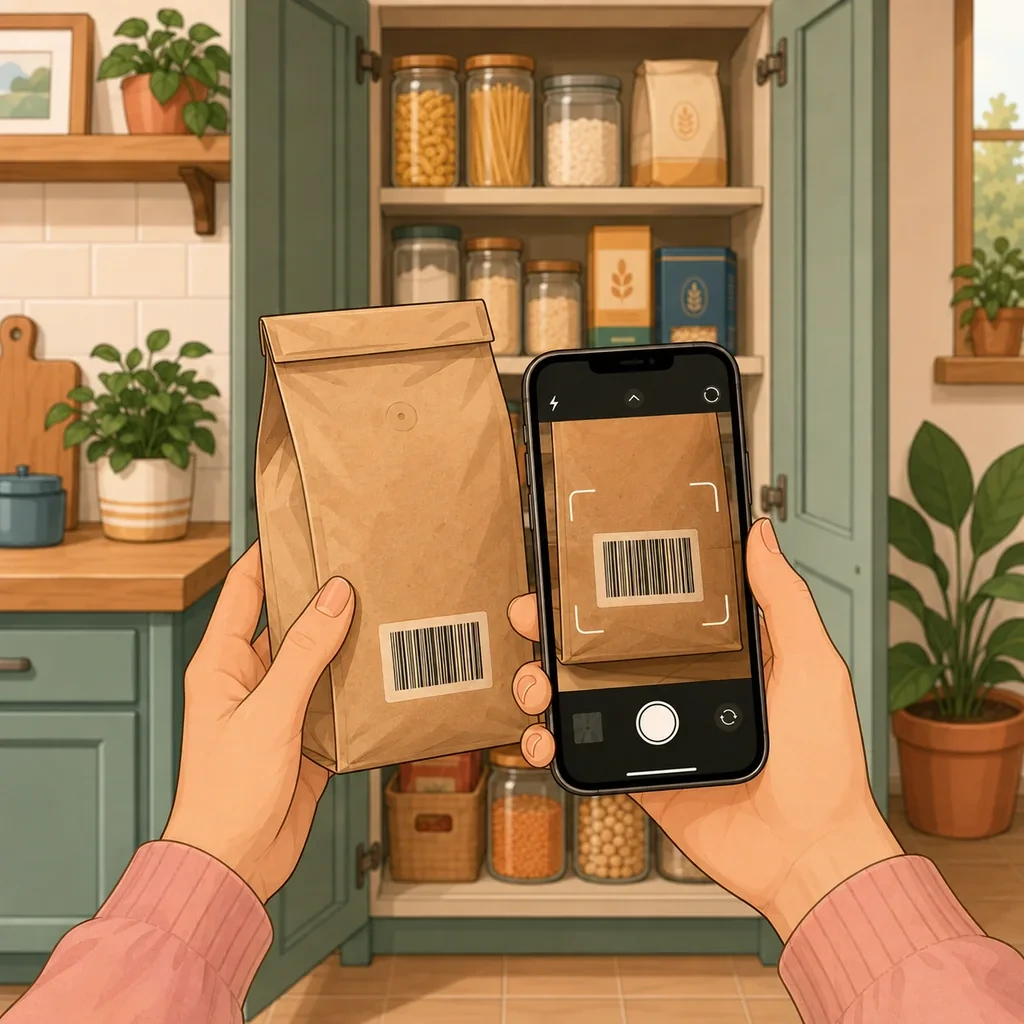
Scan what has a barcode. Point the camera and the product name and category fill themselves in. Ten seconds, not a minute of typing, and that difference is the whole reason an inventory survives past week two.

Type in what does not. Loose goods, market produce, refills, anything decanted into a jar. Name only, if that is all you want.

Add dates selectively. Dairy, meat, fresh produce, anything opened. Skip salt, dried pasta, vinegar and tins where the date is theoretical.

Stop after one shelf. Knowing the contents of one shelf already saves a trip. Everything else can accumulate as you shop.

What it looks like day to day

Adding happens when you unpack the shopping, which is the only moment every product passes through your hands anyway. Checking happens in the store, on your phone. In between, the app surfaces what needs using first, and sends a notification while there is still time to plan a meal around it rather than after the fact.

If you live with other people, the inventory can be shared: one person adds something and everyone else sees it immediately, which is what stops two people buying the same milk on the same evening.
How Your Food does it

Home and pantry inventory

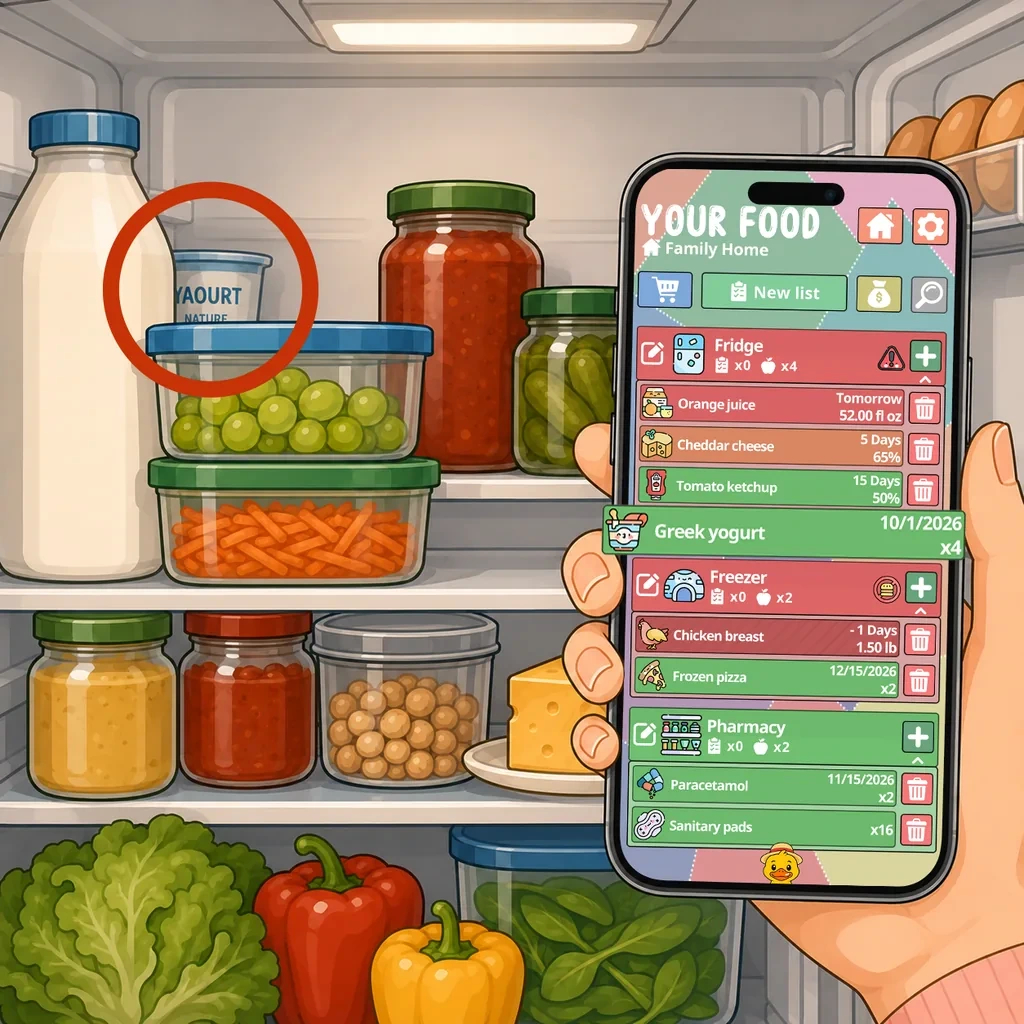
Add what is in the fridge, the freezer, the cupboards and anywhere else you store things. Alongside food you can track medicine, toiletries, cleaning supplies and pet food, all in exactly the same way. Every field is optional, so the inventory stays as light or as detailed as you want it.

  • Name, quantity, unit, date, price, note and icon, all optional
  • Search and filter across everything you own
  • Works with or without expiration dates

Expiration dates and reminders

Add a date when a date matters and choose how far ahead you want to be told. Your Food sorts what should be used first and sends a notification while there is still time to plan a meal around it.

  • Reminder delay set per product, not one rule for everything
  • What needs using first is surfaced automatically
  • Skip the date entirely on products where it means nothing

Barcode scanner

Point the camera at a barcode and the product name and category are filled in for you. The bar for logging a can of beans drops far enough that the inventory actually stays up to date.

  • Product details filled in automatically
  • Consistent naming, so counting and searching work
  • Manual entry for loose goods, refills and market produce

Questions people ask about this

What is a pantry inventory app?

An app that keeps a list of the food you have at home and where it is, so you can check it without opening every cupboard. The useful ones also track quantities and expiration dates, which turns the list from a record of the past into something that tells you what to cook tonight.

Do I have to enter my whole kitchen first?

No, and you should not. Start with one shelf, or with the ten things you buy every week. The inventory fills itself in from there as you shop, because adding a product when you put the shopping away costs a few seconds and is the only moment everything passes through your hands anyway.

Does it work without expiration dates?

Yes. Every field except the name is optional. Plenty of a pantry has no meaningful date on it, and forcing one would mean entering fiction. Add dates where they change a decision and skip them everywhere else.

Can I track things that are not food?

Yes. Medicine, toiletries, cleaning supplies and pet food work exactly the same way, and a lot of people end up tracking those first because they are the things that run out invisibly.

Is the pantry inventory free?

The free version covers one inventory, expiration dates and reminders, shopping lists, the barcode scanner, and syncing your account across your own devices. Premium adds an inventory per place, real-time sharing with your household, sublists and full budget tracking.

Same app, a different problem to solve with it.

Ready to make better use of what you already have?

Download Your Food, create your first inventory and add only the details that matter to you.

Download Your Food

Join the community

Talk to the person who builds the app.

Your Food is made by one person at Harderue Studio. Most of what it does today came from someone writing in with an idea or a problem, so a message here reaches the developer directly, not a support queue.

  • No ads. Not in the free version, not in Premium, not on this site.
  • Your inventory is yours. Nothing about you is sold or shared.
  • Measurement on this site is off until you allow it, and reversible.
  • Ask for your data to be deleted at any time, without giving a reason.

Harderue Studio, one person · See my other projects(opens in a new tab)