Home inventory

A food inventory app for the whole home, not just one cupboard

Most food inventory apps assume you have one kitchen. Real households have a pantry, a fridge, a chest freezer in the garage, and sometimes a second home. Your Food keeps each place in its own inventory, so nothing mixes and you can share one without sharing the rest.

A house with a camper van parked on the driveway

One kitchen is a simplifying assumption

It is also usually wrong. A typical household stores food in at least three places with completely different rhythms:

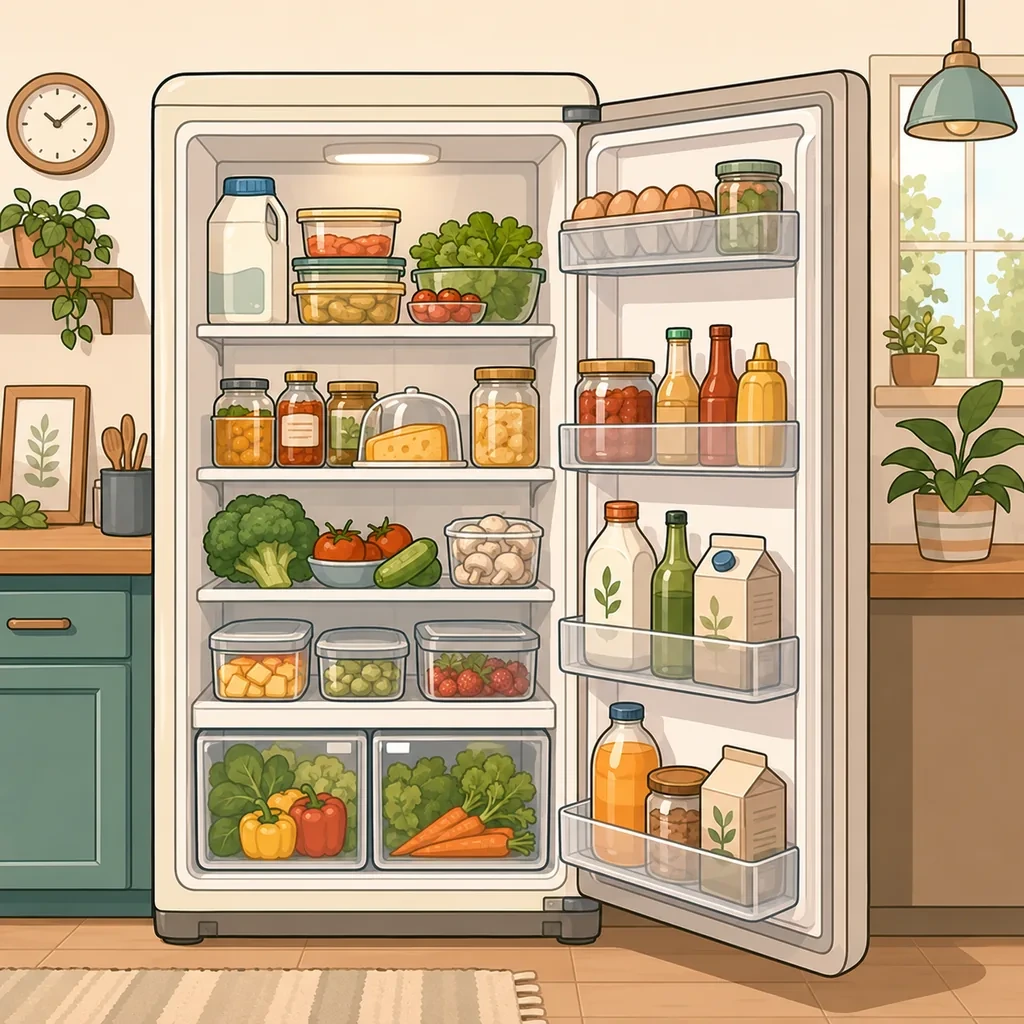
  • the fridge, where the unit of time is days and the risk is forgetting;
  • the freezer, where the unit is months and the risk is unidentifiable bags;
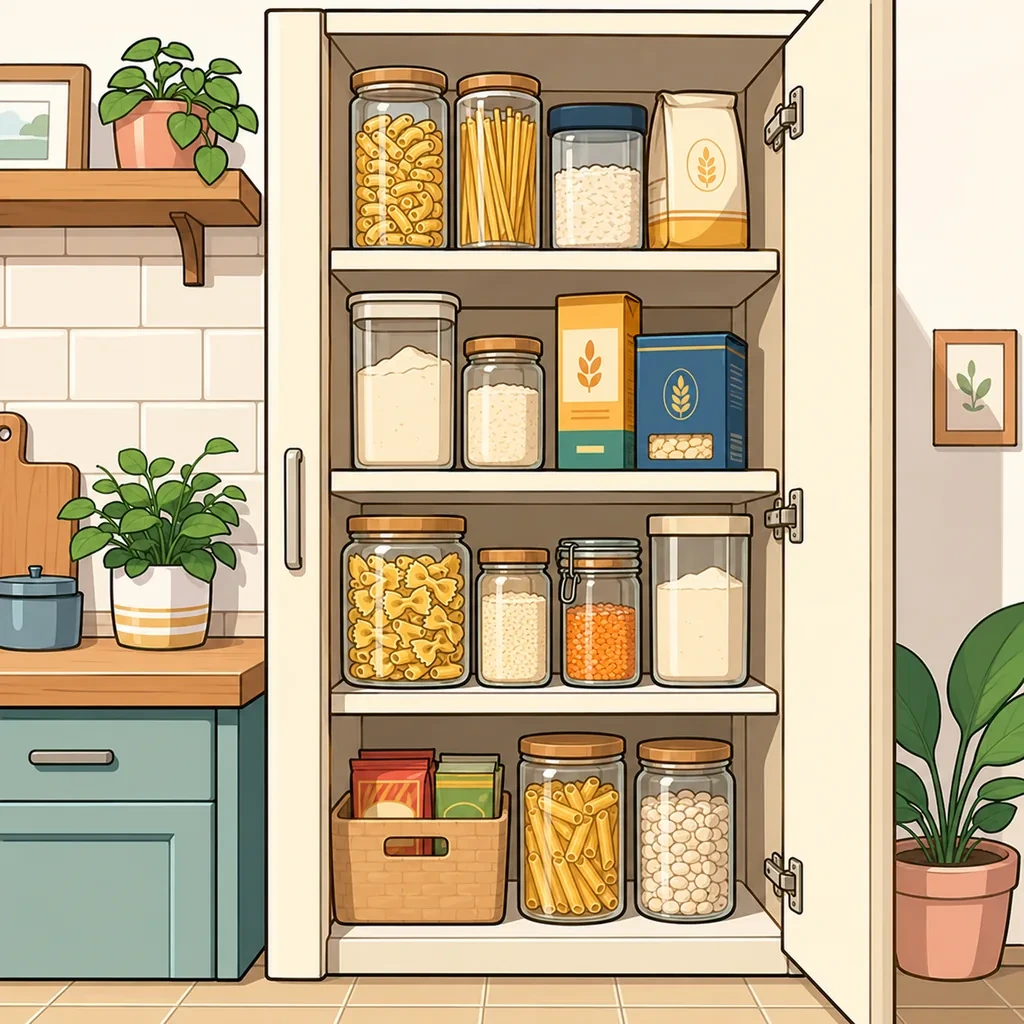
  • dry storage, where the unit is years and the risk is buying duplicates.

Add a chest freezer in the garage, a cellar, a desk drawer at work, or a camper van that gets loaded twice a year, and a single flat list stops being useful. It becomes a list where nothing has a location, which is the same as no list.

Separate places, one account

Each place gets its own inventory. The garage freezer is not mixed into the kitchen, the holiday home is not mixed into either, and opening the app shows you the one you are standing in.

They stay connected where it helps: a product moves from one place to another without being retyped, so unloading the chest freezer into the kitchen fridge is a transfer rather than a re-entry. And you can share one place without sharing the others, which matters more than it sounds, sharing a family kitchen should not mean sharing the contents of a second home.

Structure, only when the size demands it

A new inventory should not arrive with a folder tree. Start with one flat list and let it grow. When it gets long enough to be annoying, break it into sublists that match how your shelves are really arranged, rather than a template someone else designed.

Reorganizing later never destroys anything. Adding structure, moving a product, creating a place: none of it removes what is already recorded.

Non-food is the part people underestimate

Cleaning supplies, medicine, toiletries, pet food, batteries, light bulbs. These share a property that makes them worse than food: they do not visibly go off, so nothing reminds you they are nearly gone until the moment you need one.

They behave identically in the app. Name, quantity, an optional date, an icon so you can find it by eye. A lot of people set out to inventory their pantry and discover the shelf of cleaning products was the thing that was actually costing them.

How Your Food does it

Home and pantry inventory

Add what is in the fridge, the freezer, the cupboards and anywhere else you store things. Alongside food you can track medicine, toiletries, cleaning supplies and pet food, all in exactly the same way. Every field is optional, so the inventory stays as light or as detailed as you want it.

  • Name, quantity, unit, date, price, note and icon, all optional
  • Search and filter across everything you own
  • Works with or without expiration dates

A separate inventory for every place

Keep the stock of each place in its own inventory: a vacation home, a student apartment, an office kitchen, a cellar, a camper van. Nothing mixes, and you can share one place without sharing the others.

  • An inventory for every place with Premium, one in the free version
  • Each place keeps its own lists and its own members
  • Move a product from one place to another without recreating it

Lists and sublists

Start with a single list. When the number of products or the number of rooms makes it worth it, break it down into sublists that follow how your kitchen is actually arranged, shelf by shelf or category by category.

  • Begin with no structure at all
  • Sublists follow your shelves, not a fixed template
  • Reorganize later without losing anything

Questions people ask about this

What is the difference between a food inventory and a pantry inventory?

Scope. A pantry inventory covers one cupboard or one room. A food inventory covers everywhere you keep food, which for most households means at least three places that behave differently: a fridge measured in days, a freezer measured in months, and dry storage measured in years.

Can I have more than one inventory?

Yes, with Premium. Each place gets its own, with its own lists and its own members, and products move between them without being recreated. The free version covers one inventory, which is enough for a single kitchen.

Can I track non-food things in it too?

Yes. Medicine, toiletries, cleaning supplies and pet food work exactly the same way. They are often the things worth tracking first, because they run out without warning rather than going off visibly.

How do I organize a large inventory so it stays readable?

With lists and sublists, added only when the size makes it worth it. Start flat. When one list gets long, break it down along the lines your kitchen is actually arranged by, shelf by shelf or category by category. Every product can also carry an illustrated icon, which is what keeps a list of two hundred things scannable by eye.

Does each place need its own account?

No. One account holds all of them, and one Premium purchase covers every inventory you create and everyone you share them with.

Same app, a different problem to solve with it.

Ready to make better use of what you already have?

Download Your Food, create your first inventory and add only the details that matter to you.

Download Your Food

Join the community

Talk to the person who builds the app.

Your Food is made by one person at Harderue Studio. Most of what it does today came from someone writing in with an idea or a problem, so a message here reaches the developer directly, not a support queue.

  • No ads. Not in the free version, not in Premium, not on this site.
  • Your inventory is yours. Nothing about you is sold or shared.
  • Measurement on this site is off until you allow it, and reversible.
  • Ask for your data to be deleted at any time, without giving a reason.

Harderue Studio, one person · See my other projects(opens in a new tab)