Expiration dates

An expiration date tracker that warns you while there is still time

A date printed on a packet only helps if you read it on the right day. Your Food holds the dates for you, sorts what should be used first, and tells you while you can still plan a meal around it instead of after.

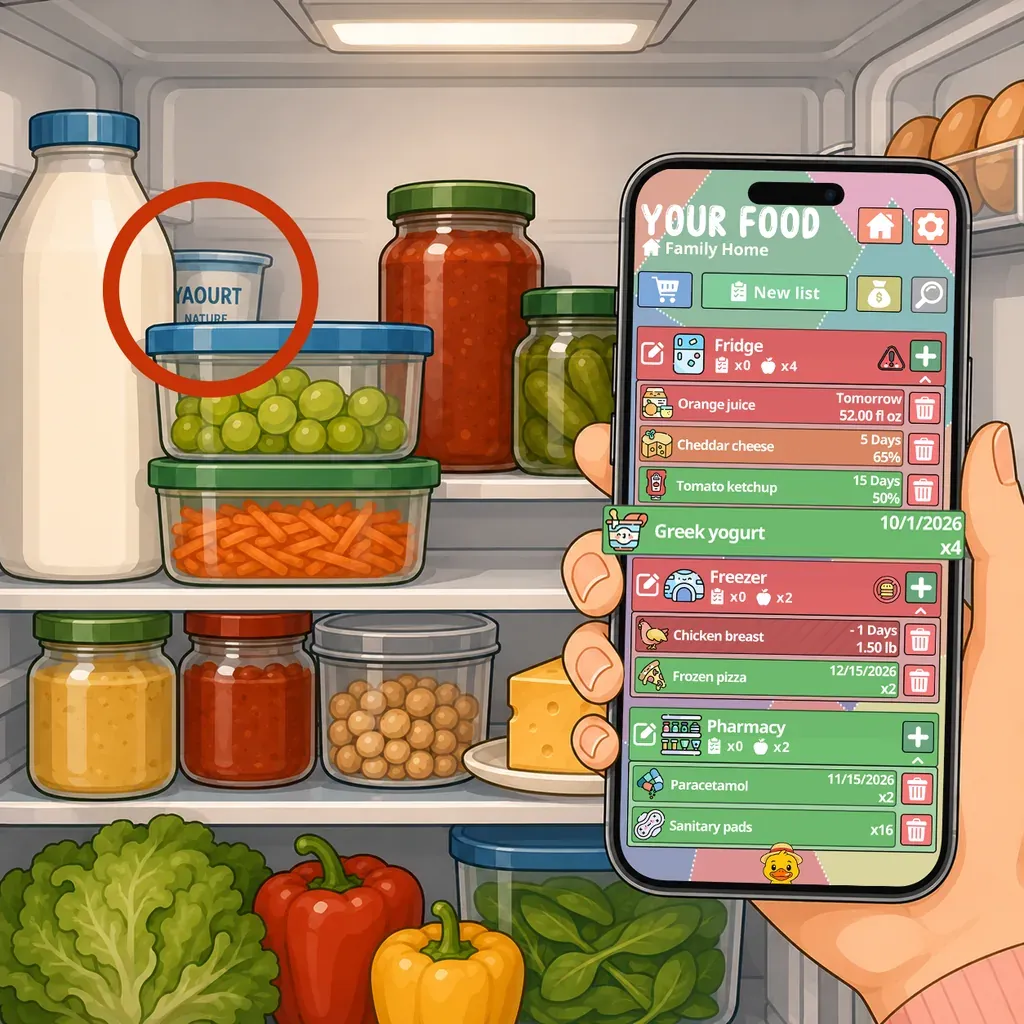
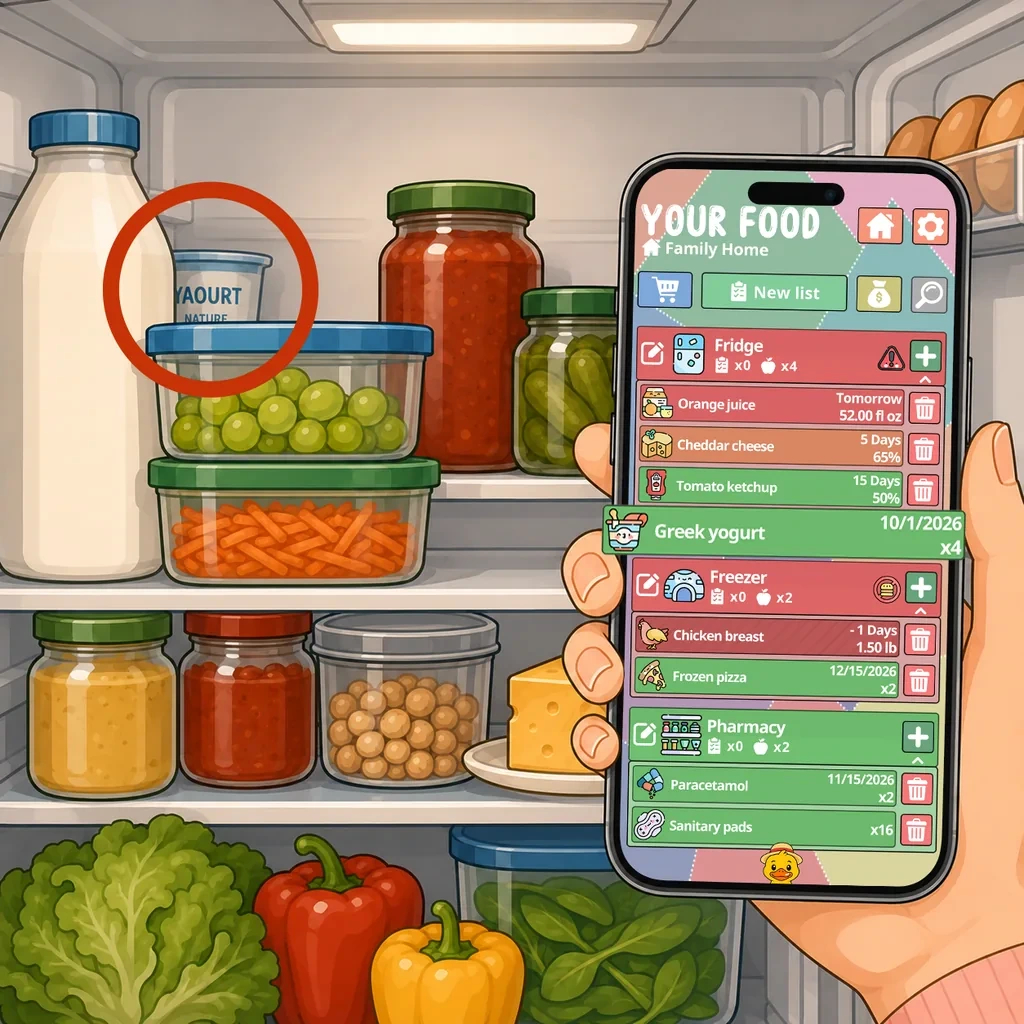
A jar of yogurt circled in a fridge, beside a phone listing what needs using first

The date is not the problem, the timing is

Almost nobody throws food away because they did not know it had a date on it. They throw it away because they found out on the wrong day.

There are exactly two useful moments to learn that something expires on Friday. One is Monday, when there is still time to build a meal around it. The other is in the store, when you are about to buy a second one. Reading the packet on Saturday, holding it over the trash, is not a moment at which any information is useful.

An expiration date tracker is less a filing system than a way of moving that information from Saturday to Monday.

Recording dates without it becoming a chore

The only moment worth doing this is when you put the shopping away. Everything passes through your hands exactly once, the packets are in front of you, and it costs a few seconds per product. Any other time and you are doing a separate task, which is the kind of task that survives about ten days.

Scan the barcode, add the date if the date matters, put it on the shelf. If a product has no meaningful date, skip the field entirely rather than inventing one, a tracker full of fictional dates is worse than an empty one, because you learn to ignore it.

Per-product delays, not one global rule

This is the setting that decides whether reminders stay useful or become noise.

Yogurt with three days left needs a different warning from a jar of pesto with three months. If both fire five days ahead, half your notifications are about things you were never going to forget, and within a month you are dismissing all of them without reading. The delay belongs to the product, not to the app.

What it looks like when it works

You open the app and the things closest to their date are at the top. Not a calendar, not a spreadsheet, a short list of what to cook from this week.

The reminder arrives on the day you asked for, once. If you are in the store you can check what is already at home before buying a replacement for something with four days left on it.

And when a date genuinely does not matter, there is no date, no reminder and no guilt about it.
How Your Food does it

Expiration dates and reminders

Add a date when a date matters and choose how far ahead you want to be told. Your Food sorts what should be used first and sends a notification while there is still time to plan a meal around it.

  • Reminder delay set per product, not one rule for everything
  • What needs using first is surfaced automatically
  • Skip the date entirely on products where it means nothing

Home and pantry inventory

Add what is in the fridge, the freezer, the cupboards and anywhere else you store things. Alongside food you can track medicine, toiletries, cleaning supplies and pet food, all in exactly the same way. Every field is optional, so the inventory stays as light or as detailed as you want it.

  • Name, quantity, unit, date, price, note and icon, all optional
  • Search and filter across everything you own
  • Works with or without expiration dates

More than 1,000 illustrated icons

Every product can carry an icon, which turns a long list into something you can scan with your eyes. Even an inventory with hundreds of products stays readable and pleasant to go through.

  • A large library covering food and household products
  • Icons follow a product when it moves to a shopping list
  • A visual list is faster to read than a spreadsheet

Questions people ask about this

What is the difference between "use by" and "best before"?

"Use by" is about safety, on things like fresh meat, fish and prepared foods, and it should be respected. "Best before" is about quality: past that date the texture or flavor may drop off, but the food is usually still fine. Mixing the two up is one of the most common reasons perfectly good food gets thrown away.

How far ahead does it warn me?

However far you choose, and the delay is set per product rather than as one global rule. Something you cook every week does not need the same warning as something you use twice a year, and one setting for everything is how reminders become noise you swipe away.

Do I have to put a date on everything?

No. Dates are optional per product. Salt, dried pasta, vinegar and most canned goods have dates that mean nothing in practice, and entering them would be work in exchange for false precision.

What about food I froze myself?

Record the date you froze it rather than the one printed on the packet, since the printed one stopped being relevant the moment it went in. That single habit is what makes a freezer inventory worth keeping at all.

Will it send me a notification every day?

No. A reminder fires once, at the delay you set for that product. The app also surfaces what needs using first when you open it, which is where most of the value actually is: the notification is a backstop, not the mechanism.

Same app, a different problem to solve with it.

Ready to make better use of what you already have?

Download Your Food, create your first inventory and add only the details that matter to you.

Download Your Food

Join the community

Talk to the person who builds the app.

Your Food is made by one person at Harderue Studio. Most of what it does today came from someone writing in with an idea or a problem, so a message here reaches the developer directly, not a support queue.

  • No ads. Not in the free version, not in Premium, not on this site.
  • Your inventory is yours. Nothing about you is sold or shared.
  • Measurement on this site is off until you allow it, and reversible.
  • Ask for your data to be deleted at any time, without giving a reason.

Harderue Studio, one person · See my other projects(opens in a new tab)