Student life

A food inventory app built for student budgets and small kitchens

When every grocery run matters, three forgotten items in the back of the fridge can affect the rest of the month. Your Food keeps stock, dates and the shopping list together without turning dinner into paperwork.

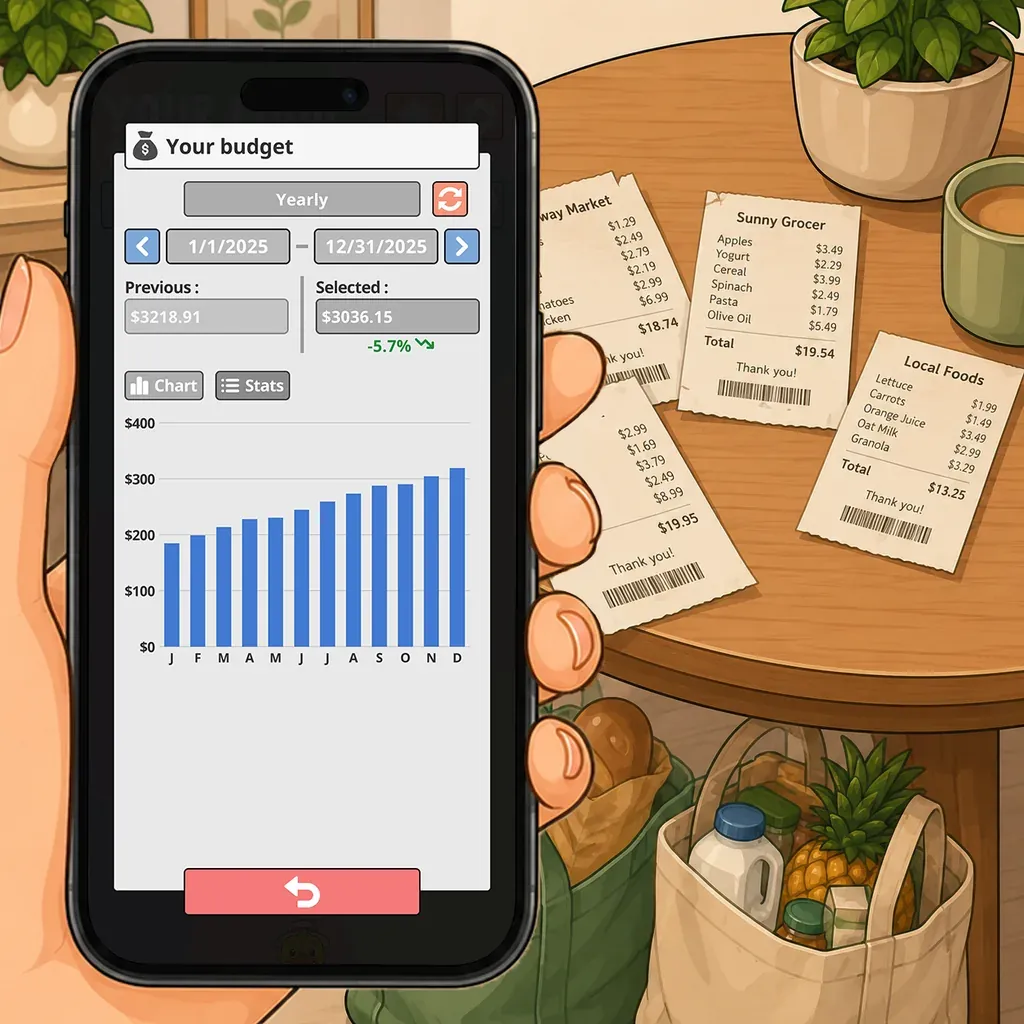
A phone showing a year of grocery spending as a bar chart, receipts spread on the table

A student budget is often lost in the food that gets forgotten

Grocery costs are not only about prices. They also rise when another package is bought while one is still in the cupboard, when a planned meal is missing one ingredient, or when food reaches its date during a weekend away.

A dorm room or student apartment does not leave much space for buying on a guess. Opening Your Food before going out shows the quantities already at home, what belongs on the shopping list and what can wait until next week.

A small inventory should take little effort

The system should not cost more time than it saves. Barcode scanning speeds up the products you buy regularly. Icons make the list easy to read without opening every item. Dates stay optional for food that does not need one.

You can begin with the fridge and the products that cost the most, then add the cupboard or freezer once the habit feels natural. There is no need to catalog the whole kitchen in one evening before the app becomes useful.

See the next few days before buying more

Reminders point to food while there is still time to use it. The timing can be adjusted for each product. Yesterday’s leftovers and a sealed bag of rice do not need the same warning.

This view is useful before leaving for a weekend, heading home between terms or facing a week when meals will be irregular. Food that needs attention can be eaten, frozen or given away instead of being found too late.

A shopping list that knows what is already there

The shopping list is connected to the inventory. You can check what is missing without trying to picture the cupboard from the middle of the store. Budget tracking then gives you a clearer view of recorded spending and the habits that actually affect the month.

The result is practical. Fewer duplicates, fewer forgotten products and a more realistic idea of what the next grocery run should cost.

Ready if the kitchen becomes shared

Moving in with roommates does not mean starting again. Premium supports several inventories and lets you share the ones that belong to the household. One person buys Premium for the inventories they create, and invited members can take part without buying their own access.

Personal food can stay separate while shared basics have their own clear place. The same app can therefore work in a dorm, a studio or a shared apartment without forcing every household to organize food in the same way.
How Your Food does it

Budget and spending history

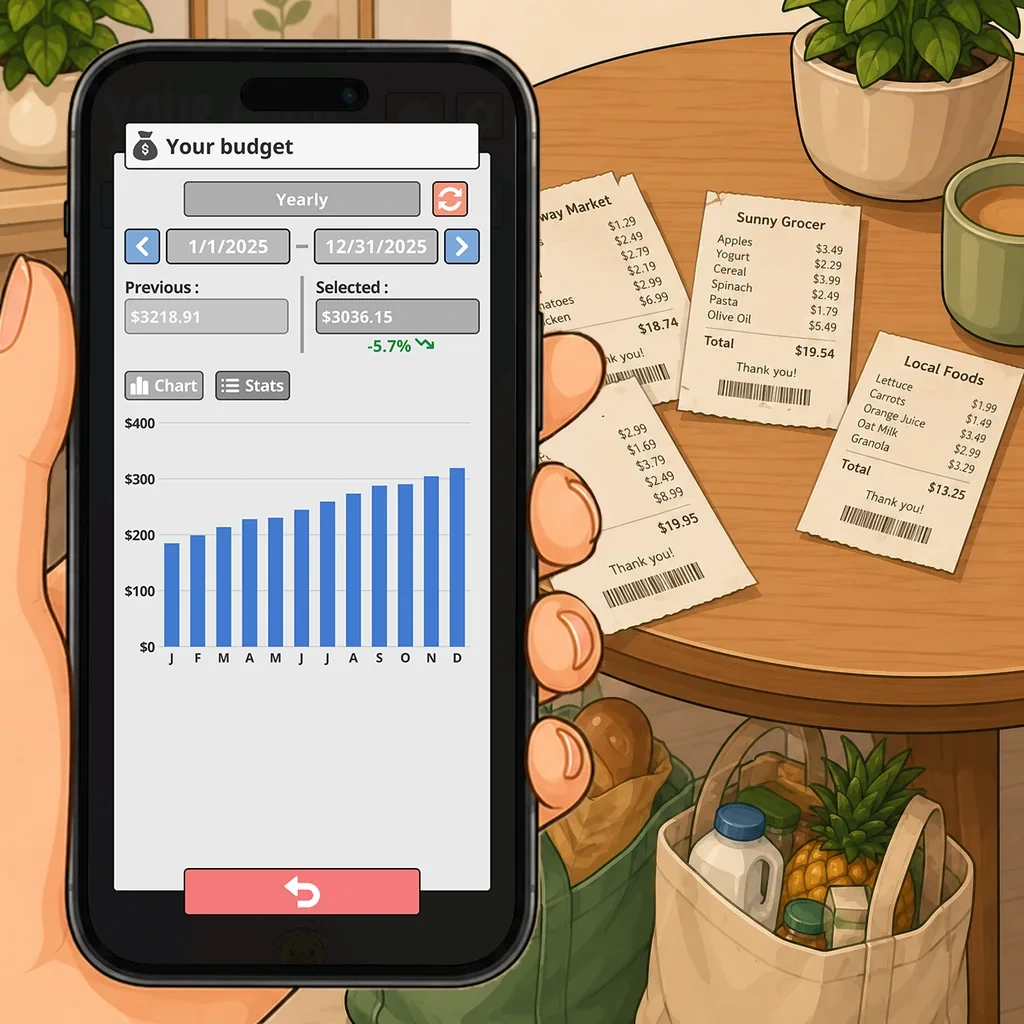
Record prices as you add products and follow how spending moves by week, by month and by year. The useful part is not the total, it is noticing which weeks were expensive and what was different about them.

  • Weekly, monthly and yearly views
  • History of what you bought and what it cost
  • Prices stay optional, like every other field

Expiration dates and reminders

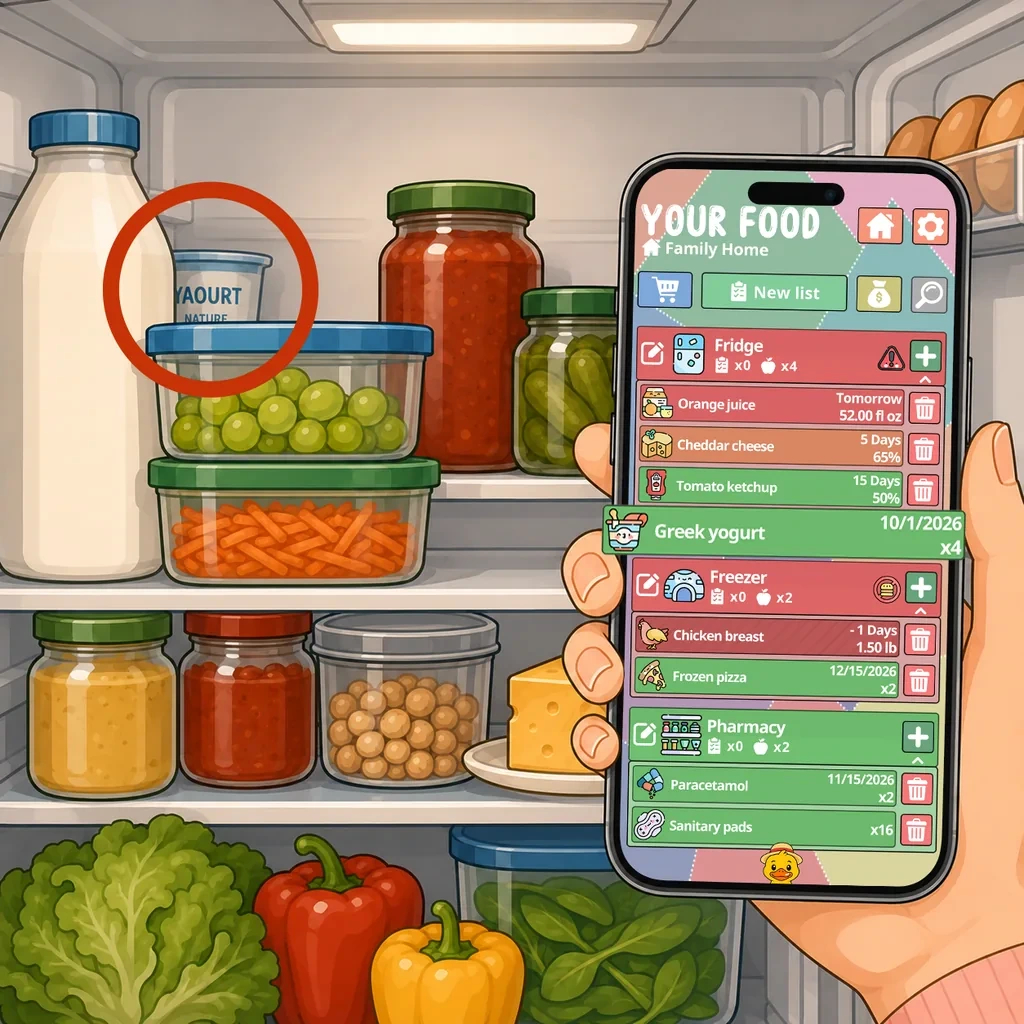
Add a date when a date matters and choose how far ahead you want to be told. Your Food sorts what should be used first and sends a notification while there is still time to plan a meal around it.

  • Reminder delay set per product, not one rule for everything
  • What needs using first is surfaced automatically
  • Skip the date entirely on products where it means nothing

Barcode scanner

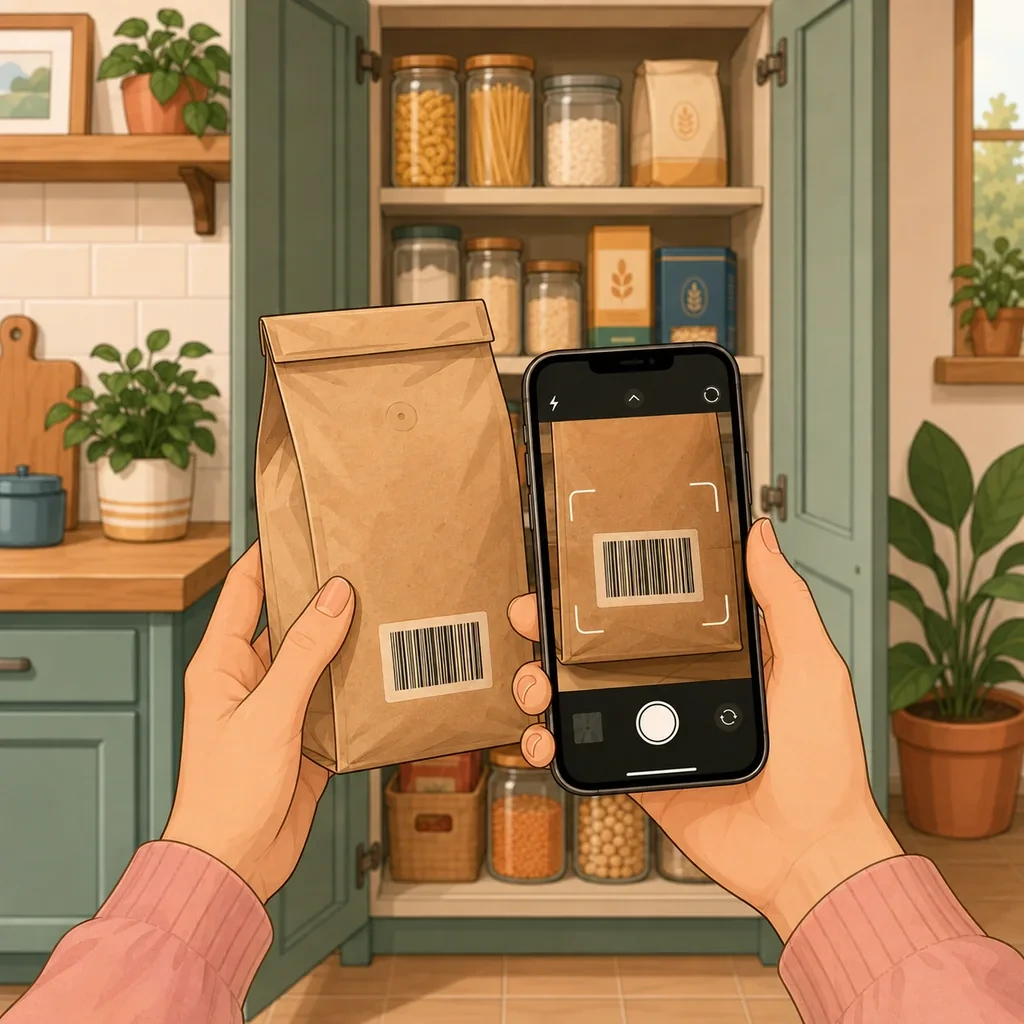
Point the camera at a barcode and the product name and category are filled in for you. The bar for logging a can of beans drops far enough that the inventory actually stays up to date.

  • Product details filled in automatically
  • Consistent naming, so counting and searching work
  • Manual entry for loose goods, refills and market produce

Questions people ask about this

Is the app useful if I only have a small fridge?

Yes. Small spaces fill up quickly, so duplicate purchases get in the way fast. The inventory shows what is left in the fridge, cupboard and freezer before you shop.

Can I start for free?

Yes. The free version includes inventory, quantities, food dates, reminders, shopping lists, barcode scanning and personal sync across your own devices.

Does adding a weekly grocery shop take long?

The barcode scanner fills in the name and category for recognized products. Add the quantity and a date when it matters. A few seconds per item is enough to keep the list useful.

What if I leave campus for a few days?

Check which products are coming up to their dates before you leave and adjust the next meals. The inventory stays ready for your return, and reminders continue according to your settings.

Can I share the inventory if I move in with roommates?

Yes. Household sharing is part of Premium. One person buys Premium for the inventories they create and can invite up to ten members without an extra purchase for each guest.

Same app, a different problem to solve with it.

Ready to make better use of what you already have?

Download Your Food, create your first inventory and add only the details that matter to you.

Download Your Food

Join the community

Talk to the person who builds the app.

Your Food is made by one person at Harderue Studio. Most of what it does today came from someone writing in with an idea or a problem, so a message here reaches the developer directly, not a support queue.

  • No ads. Not in the free version, not in Premium, not on this site.
  • Your inventory is yours. Nothing about you is sold or shared.
  • Measurement on this site is off until you allow it, and reversible.
  • Ask for your data to be deleted at any time, without giving a reason.

Harderue Studio, one person · See my other projects(opens in a new tab)