Family organization

A family food inventory everyone can help keep up to date

In many families, one person knows what is left, what needs to be eaten and what belongs on the next grocery list. Your Food puts that information on the phones of everyone who can help.

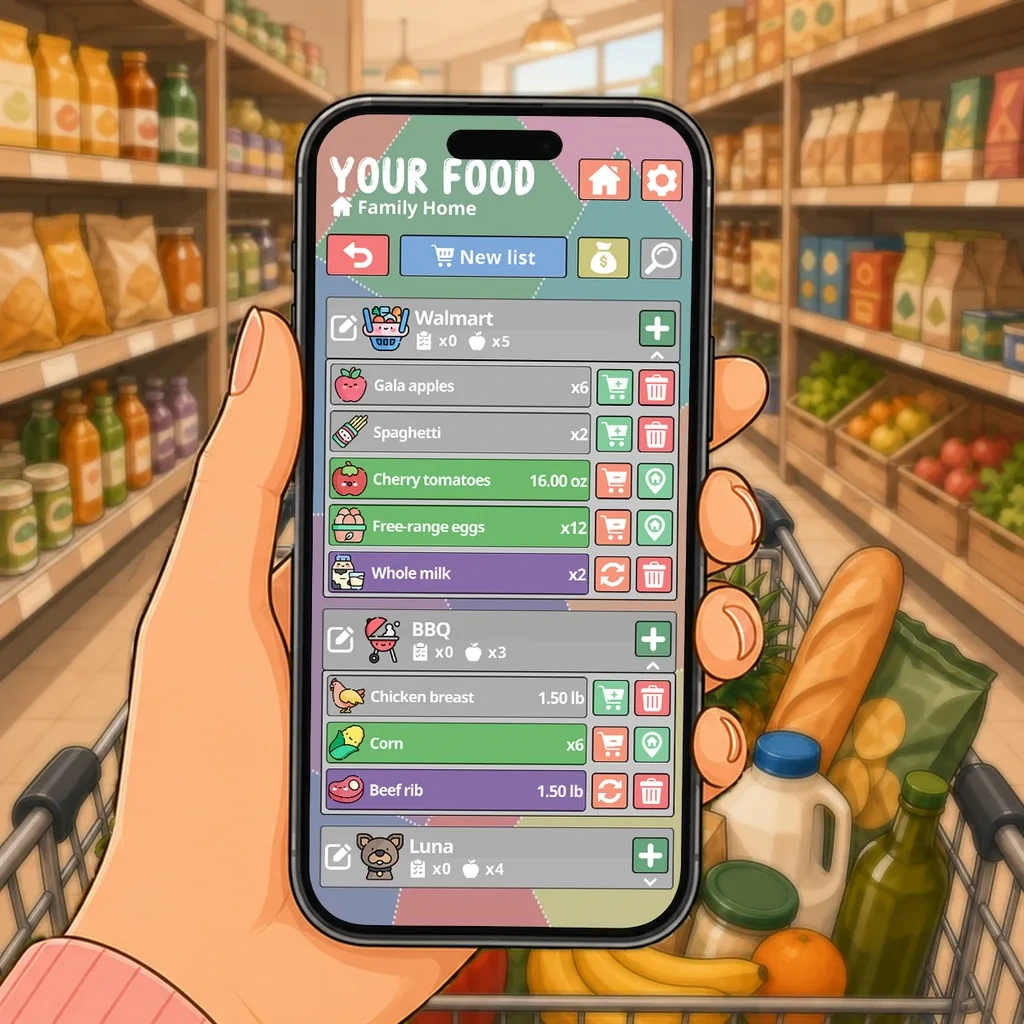
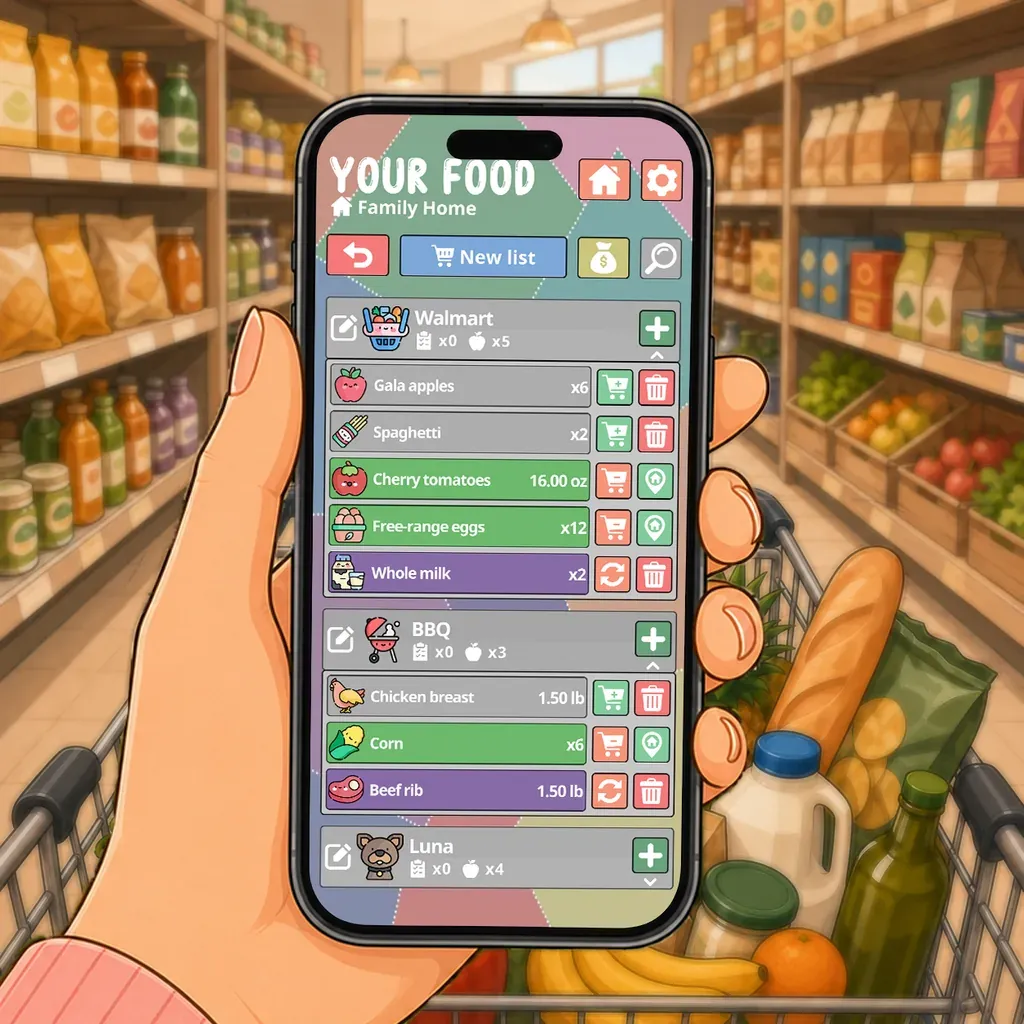
A hand holding a phone with the shopping list open, in a supermarket aisle

When one person knows everything, one person has to manage everything

The contents of the kitchen often end up in the same person’s head. They know that a package is almost empty, the yogurt needs using and rice is already on the next order. When they are not available, everyone else has to ask or make a decision without that information.

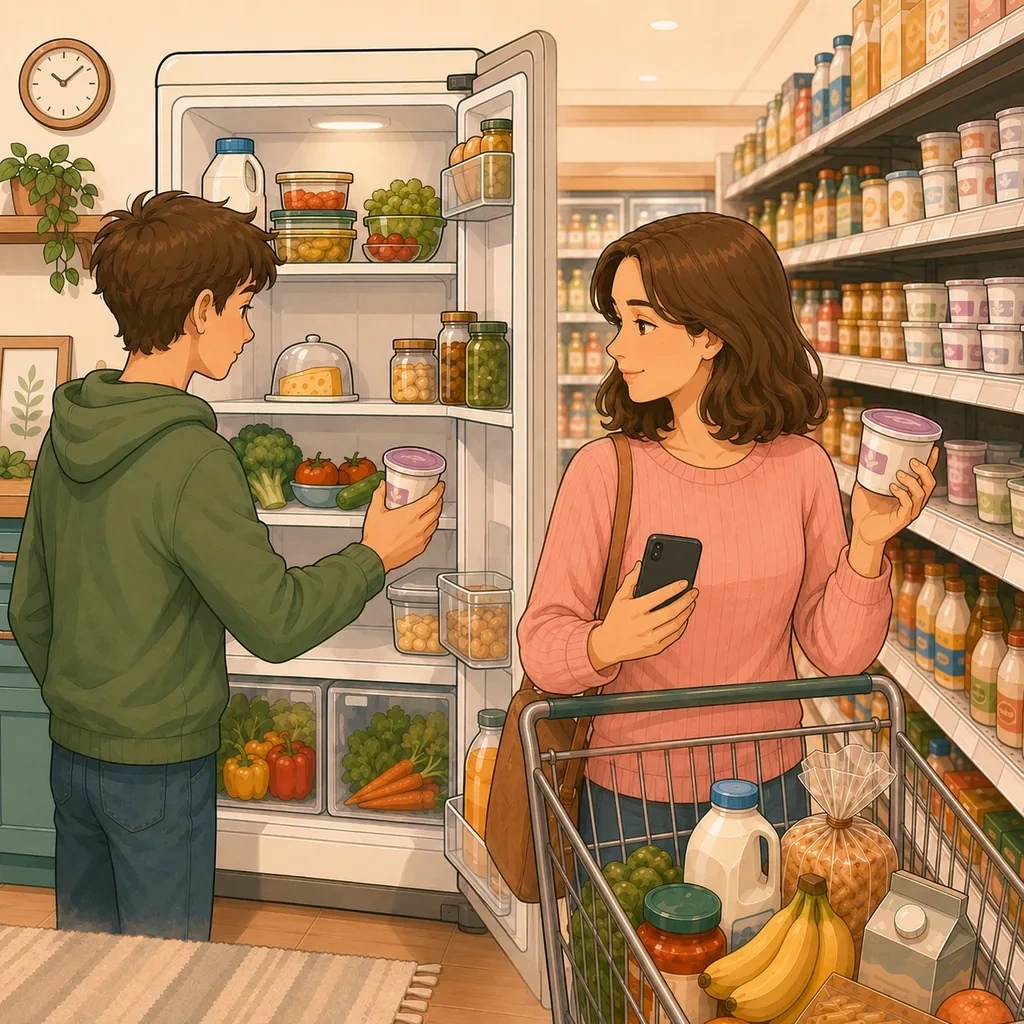
This adds a quiet task to every meal and grocery run. A shared family inventory makes stock visible. A parent, partner or teenager who uses something can update the quantity. The next person who shops starts with information they can trust.

Let the family help without handing out instructions

Sharing the work should not require teaching everyone a household method. Invited members open an inventory that is already set up. They can search for a product, change a quantity or add what is missing to the shopping list.

The actions stay short and concrete. A teenager who finishes a package can mark it. Someone making dinner can check the pantry. A family member passing the store can open the shared list. Participation works because it does not require a meeting or another chart on the kitchen wall.

Food dates become visible before something is wasted

Food moves quickly through a family kitchen. Leftovers, opened packages and items pushed to the back of the fridge are still easy to miss. Reminders draw attention before the selected date, with timing that can be adjusted for each product.

Everyone can see what deserves using first. That makes it easier to choose a meal, freeze a portion or avoid opening another package when one is already in use.

One shared list for the household’s actual groceries

The shopping list remains connected to the inventory. One person can add an item at breakfast and another can find it in the store later that day. Updates appear in real time while devices are connected, so there is no need to rely on screenshots or messages that are already out of date.

Premium also supports separate places. The main kitchen, a garage pantry or a second home can keep its own products and members. The family shares what makes sense without combining every location into an endless list.

One purchase for the household, not one per person

One person buys Premium for the inventories they create. They can invite up to ten members, who use the shared inventories without an additional purchase.

Sharing remains a family feature rather than a stack of subscriptions. Everyone can contribute from their own phone, and the organization no longer rests on the person who paid or the person who used to remember everything.
How Your Food does it

Real-time household sharing

Invite the people you live with and stop being the only person who knows what is left. A change made by one member appears for the others in real time, so nobody buys a second bottle of milk on the way home.

  • One Premium purchase covers the people who share your inventory
  • Changes appear in real time when there is a connection
  • Syncing your own account across your own devices stays free

Budget and spending history

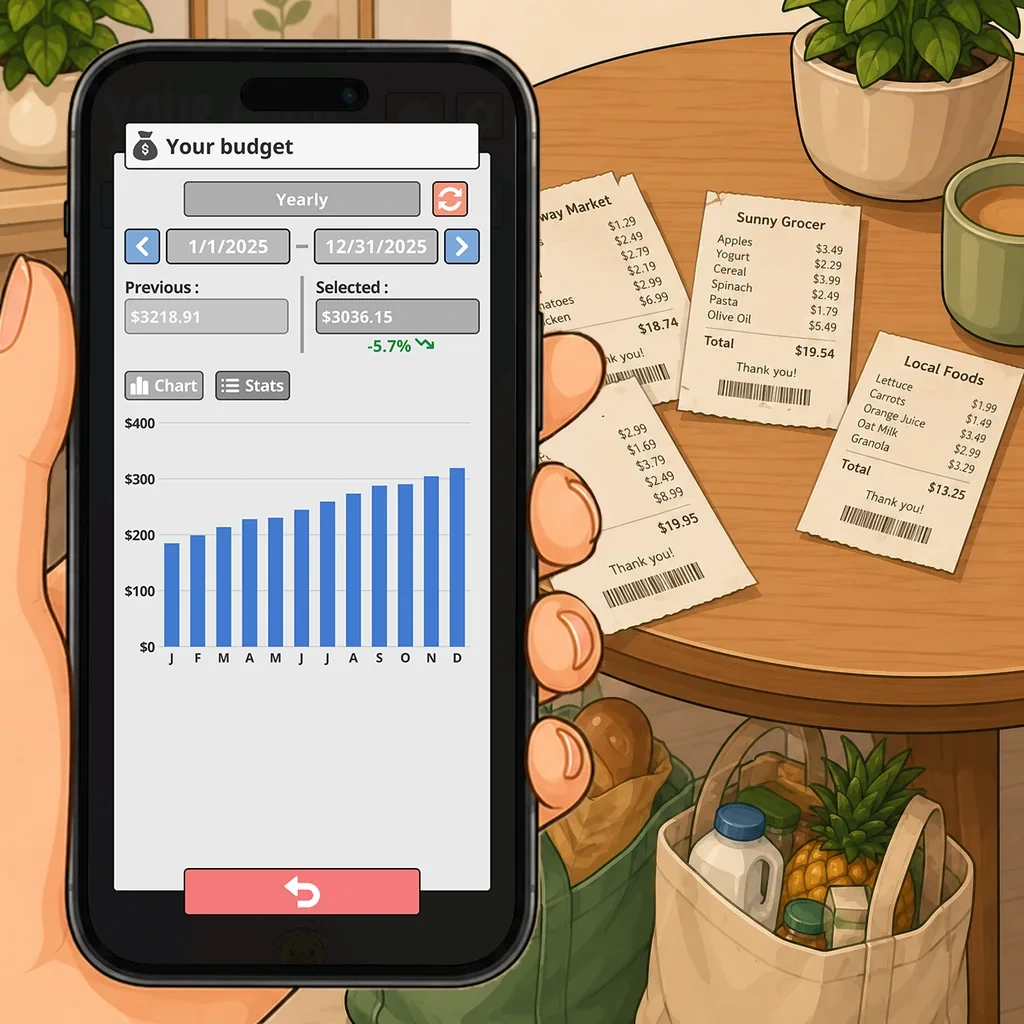
Record prices as you add products and follow how spending moves by week, by month and by year. The useful part is not the total, it is noticing which weeks were expensive and what was different about them.

  • Weekly, monthly and yearly views
  • History of what you bought and what it cost
  • Prices stay optional, like every other field

Shopping lists connected to your stock

Send a product to a shopping list without retyping its name, unit or icon. Once it is bought, put it back into the right place in one tap. Nothing is entered twice, and the list already knows what you have.

  • Two-way transfer between stock and shopping
  • History and prefilled details to speed up adding
  • Check a list against what is already at home

Questions people ask about this

Does everyone in the family need Premium?

No. One person buys Premium for the inventories they create and can invite up to ten family members. Invited people do not need another purchase.

Can teenagers help update the inventory?

Yes, if they have their own account and device. They open the family inventory after it has been set up and can update quantities or add items to the shopping list.

Can we manage food in more than one place?

Yes with Premium. The main kitchen, a garage freezer and a second home can have separate inventories with their own products, lists and members.

Do changes appear in real time?

Yes, while devices are connected. A change made offline is kept on the device and syncs when the connection comes back.

What is included for free?

The free version includes personal inventory, quantities, dates, reminders, shopping lists, barcode scanning and sync between one person’s devices. Household sharing is part of Premium.

Same app, a different problem to solve with it.

Ready to make better use of what you already have?

Download Your Food, create your first inventory and add only the details that matter to you.

Download Your Food

Join the community

Talk to the person who builds the app.

Your Food is made by one person at Harderue Studio. Most of what it does today came from someone writing in with an idea or a problem, so a message here reaches the developer directly, not a support queue.

  • No ads. Not in the free version, not in Premium, not on this site.
  • Your inventory is yours. Nothing about you is sold or shared.
  • Measurement on this site is off until you allow it, and reversible.
  • Ask for your data to be deleted at any time, without giving a reason.

Harderue Studio, one person · See my other projects(opens in a new tab)